
Quick start
How to Start Wildfunded Programs?
You can start your trading journey at Wildfunded in a few simple steps:
After completing your purchase, you will receive a confirmation email for your order, and another email with the login credentials for your Dashboard:
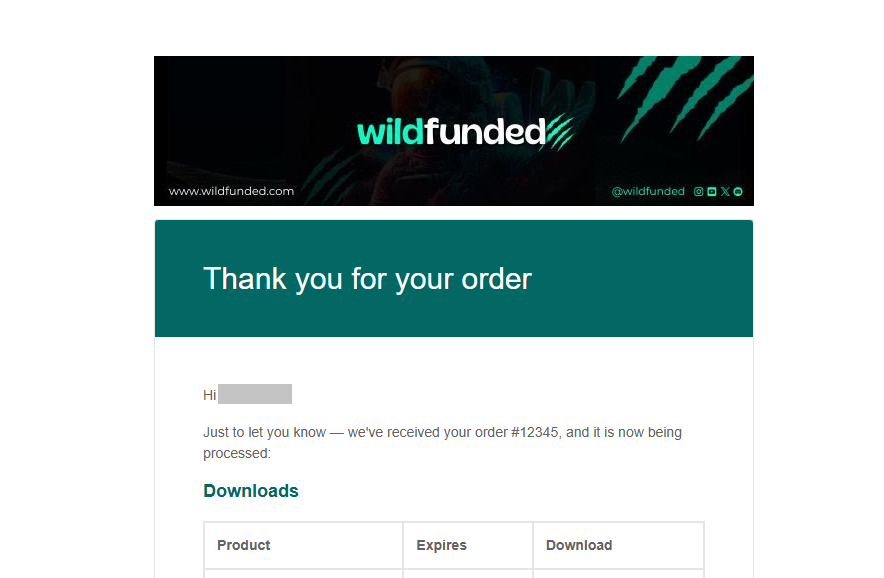
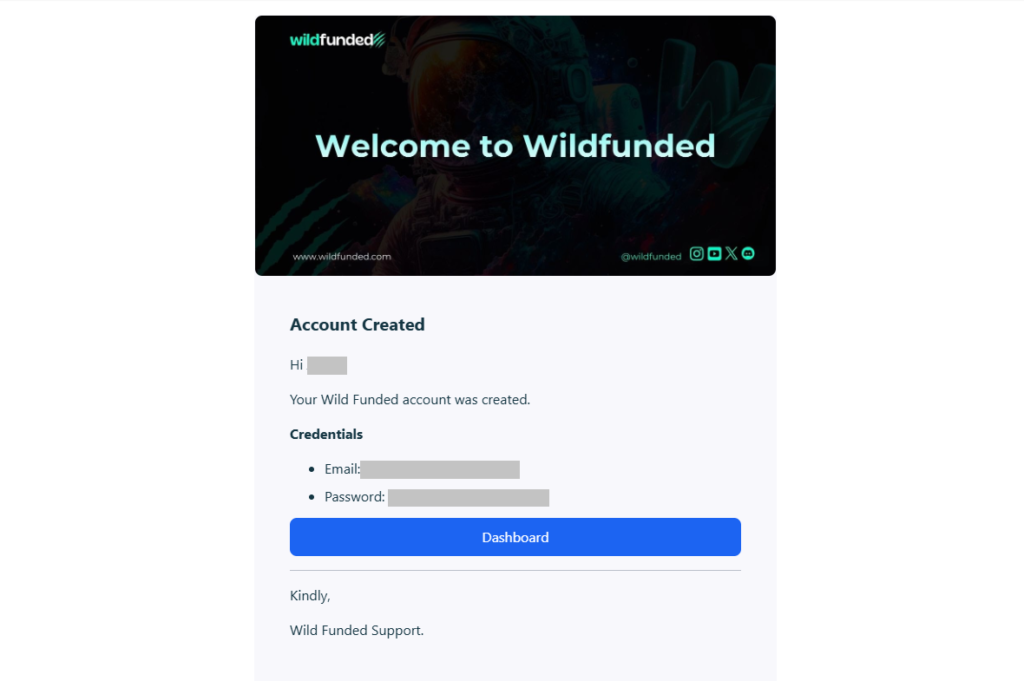
You can access your dashboard directly from the email or from the top menu on the Wildfunded website by clicking the Dashboard button:

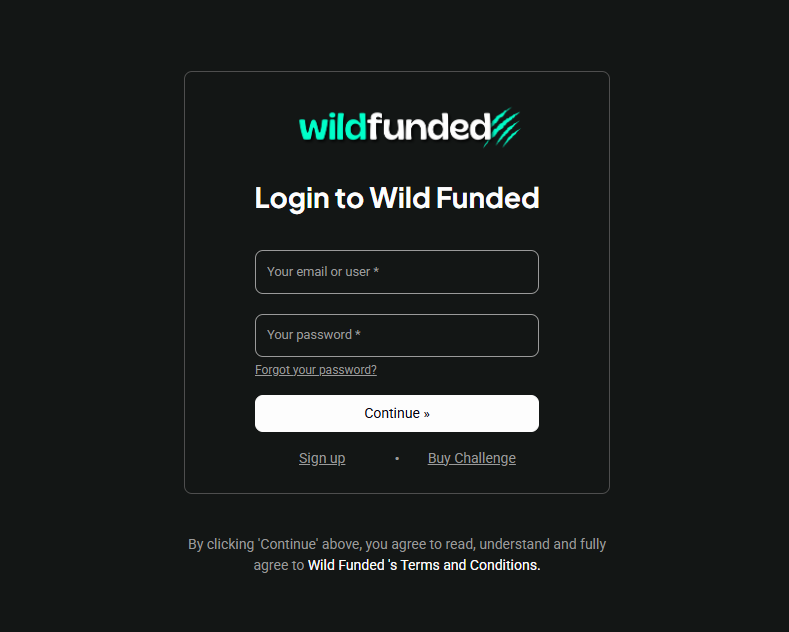
Important – Change Your Temporary Dashboard Password
The first time you log in to your Wildfunded Dashboard, you’ll receive a temporary password.
You can change your password at any time from the Profile section of your Dashboard.
If you have forgotten your password and cannot log in, you can reset it directly from the Log In screen.
How to change your password from the Dashboard
- Log in to your Wildfunded Dashboard.
- Click Profile in the upper-right corner.
- Select Change Password.
- Enter your new password and save the changes.
You will also receive an email from BlackArrow to set up your platform access password. You just need to click the SET/RESET PASSWORD button.
If you have previously created an account, you will not need to repeat the process. Your account will be activated automatically and will appear on your platform:
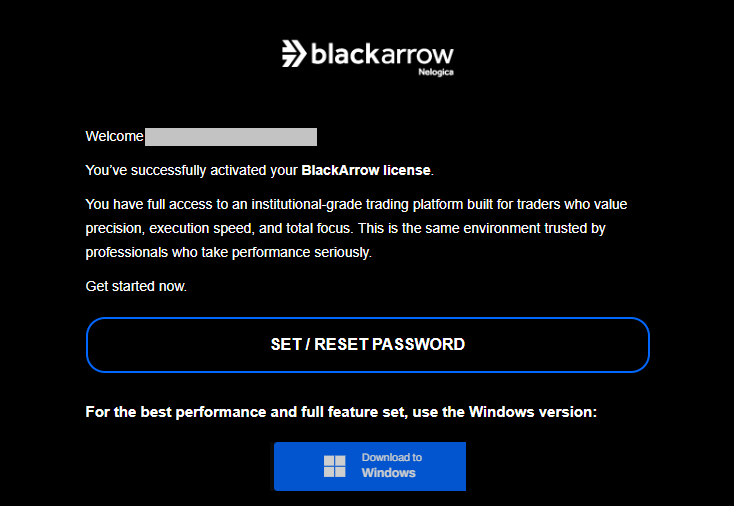
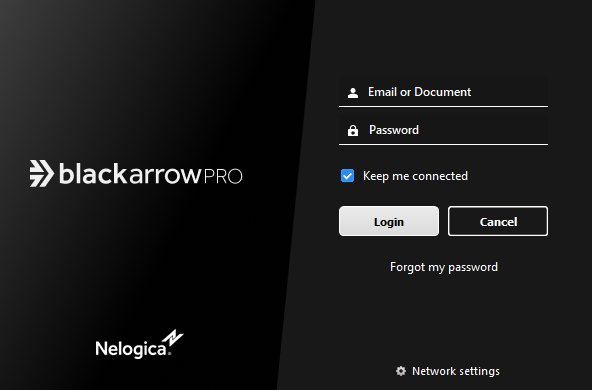
Once you have set your password, you will be able to log in to the BlackArrow platform:
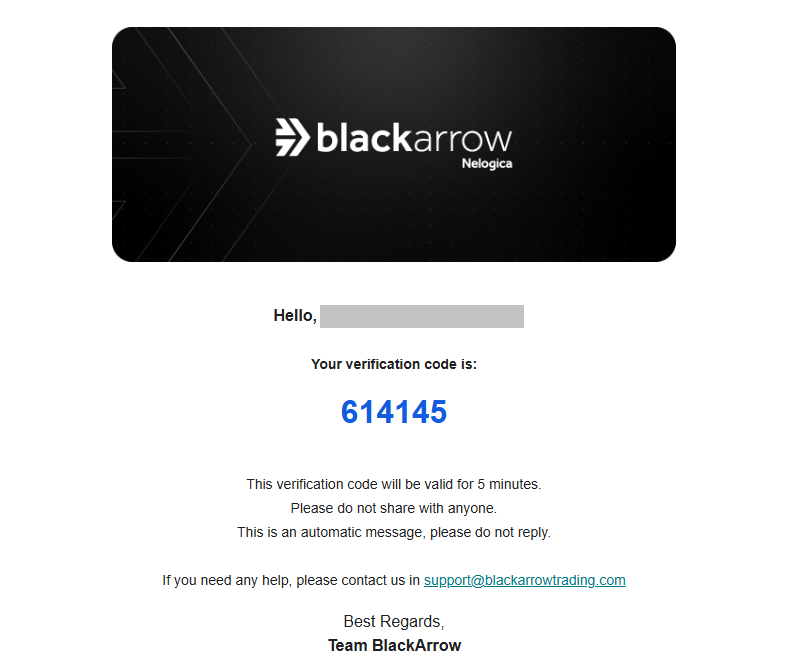
During the installation process, the platform will ask you to enter a verification token, which you will also find in your email:
You will receive a confirmation email for the creation of your trading account:

Once this simple process is completed, you will be ready to trade with Wildfunded.
Good luck, Trader!
What do I Need to Start?
To trade with Wildfunded, you will need the following:
Data Feed provider
Trading Software
Market data is provided by the CME (Chicago Mercantile Exchange). The primary purpose of a market data feed provider for the futures market is to provide traders with fast and reliable market data, allowing them to make informed trading decisions in the futures market.
During the evaluation phase, a non-professional trader will get the following data Level I (Top of the book) for free: CME, CBOT, COMEX, NYMEX.
BlackArrow Download
You can download your trading platform from the BlackArrow email you receive after completing your purchase. Alternatively, you can access it from the Resources section of your Dashboard or by clicking the link below:
1. Download (click here). BlackArrow Professional Platform – Free License.

2. Once you have completed the BlackArrow installation, you will be able to log in using the credentials received via email from BlackArrow.
3. Use the Wildfunded Server Connection in BlackArrow.
4. Select your account, create your workspace, and you’re ready to start trading with Wildfunded.
Equipment and Resources
Due to the resources you will need, we recommend that you use a PC with the following minimum specifications:
Individual Trading
Wildfunded does not currently support business accounts.
Traders may only register as individuals.
Once you receive our email, you’re all set to begin your exciting journey with Wildfunded.